Hosted page
Accept payments easily with no UI to build - just redirect your customer to the payment request URL.
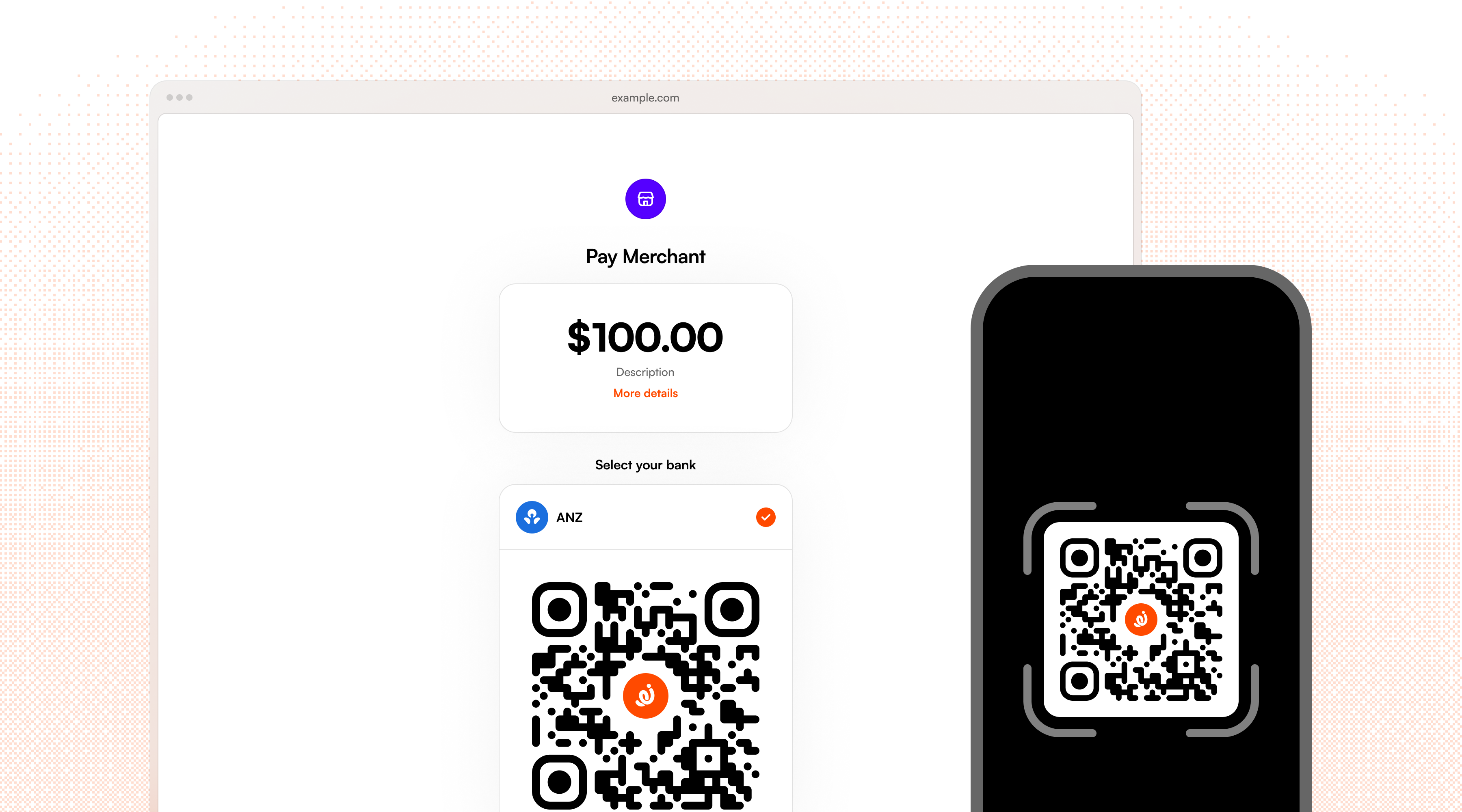
Every Volley payment request automatically comes with a hosted payment page. When you create a request, Volley returns a url which you can redirect your customer to and Volley handles the rest: bank selection, redirect to the bank app, approval, and redirecting the customer back to you. This is the easiest way to get started.
Benefits
- No frontend integration required: Volley provides the complete payment UI
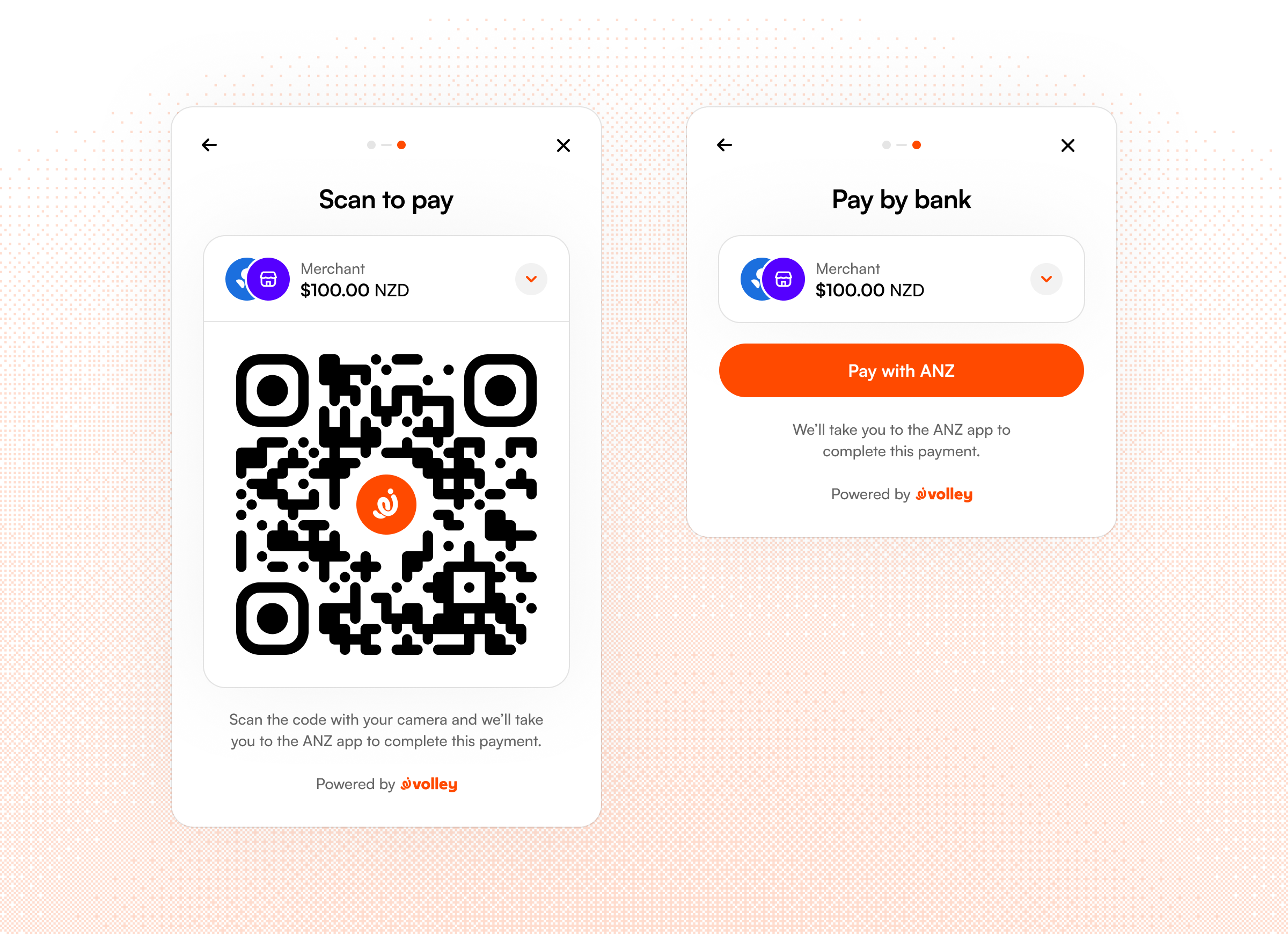
- Automatic device detection: Displays QR code for desktop users or direct redirect for mobile users
- Built-in failure handling: Payment failures and retry logic managed by Volley
How it works
- Create a request. Volley returns a payment request with a hosted
url. - Redirect your customer. Send them to the
url- in the browser, a new tab, or a webview. - They approve. The hosted page walks them through selecting their bank and approving the payment in their banking app.
- They come back. Volley returns the customer to you via the
success_redirect_urlorfailure_redirect_urlparameters once the payment reaches a terminal state.
Redirect URLs
Set success_redirect_url and failure_redirect_url when you create a request. The host of each URL must be added as an allowed domain in the Volley Dashboard.
When Volley redirects the customer back, it appends the payment_id and your merchant_identifier to the URL. So a success_redirect_url of https://example.com/success receives the customer at:
https://example.com/success?merchant_identifier=df28616f3ab2b640&payment_id=payment_g5wa1X8YbJPqX9x3eMftCNote: Don't treat the redirect as proof of payment - use the payment_id to check the payment status via the API, or rely on webhooks as the source of truth.
Desktop vs. mobile flows
Wherever possible, Volley uses app-based approval for open banking payments. The customer is redirected to their bank app, where they confirm the payment using their device biometrics (fingerprint or Face ID). This is both more secure and easier for customers than entering a username and password into their bank's internet banking website.
When opening the hosted payment page on a desktop device, Volley will display a QR code for a user to scan to complete the payment in their bank app. Once they've approved , we'll automatically redirect the desktop session back to your website via the redirect URLs.