
Subscriptions
Schedule regular charges and let Volley handle billing end-to-end.
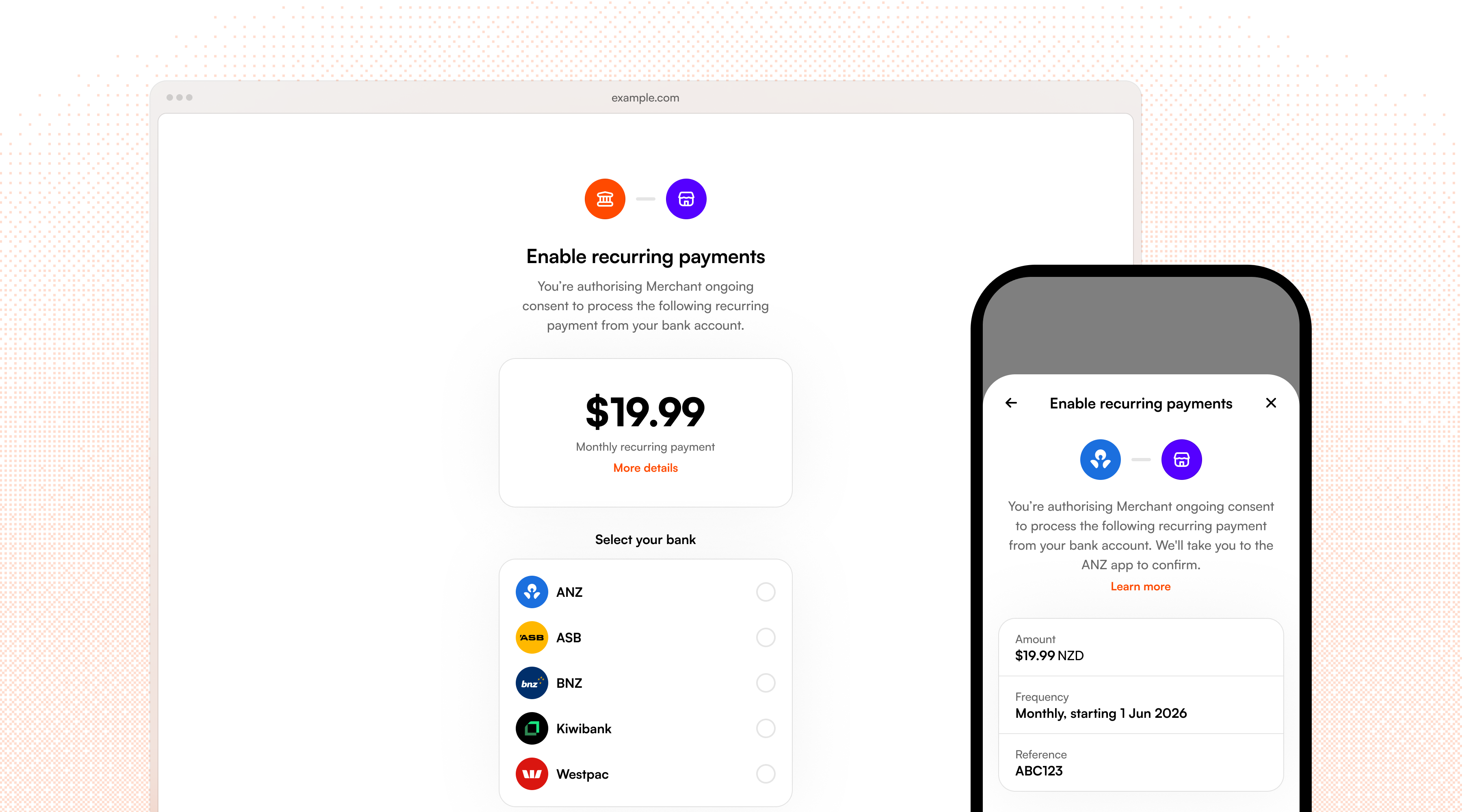
Subscriptions in Volley let you collect an agreed amount from a customer automatically, with Volley taking care of scheduling charges and handling retries for you. Subscriptions are designed for any case where your customer wants to pay a fixed, repeating amount - perfect for subscriptions (its in the name!), memberships, or instalments.
Subscriptions are for fixed payments on a repeating schedule, like "$19.99 per month". If you need a variable amount or more control over when the charges take place then use recurring payments instead.
Create a subscription
Create a subscription by calling POST /requests including the subscription_options block in place of a fixed amount.
{
  "bank_account_id": "bankaccount_ZYm2YeJXZ8Vzx3jjMLyp6",
  "message": "Gym membership",
  "type": "single",
  "subscription_options": {
    "amount": "25.00 NZD",
    "period": "weekly",
    "start_date": "2026-08-15",
  },
  "cust_info": {
    "email": "jack@volley.nz"
  }
}{
"request": {
"id": "request_qTVSdEszuE9jfpTQaJ3j7",
// ...
"status": "active",
"url": "https://app.volley.nz/pay/qTVSdEszuE9jfpTQaJ3j7",
"subscription_options": {
"amount": "25.00 NZD",
"period": "weekly",
"start_date": "2026-08-15",
},
}
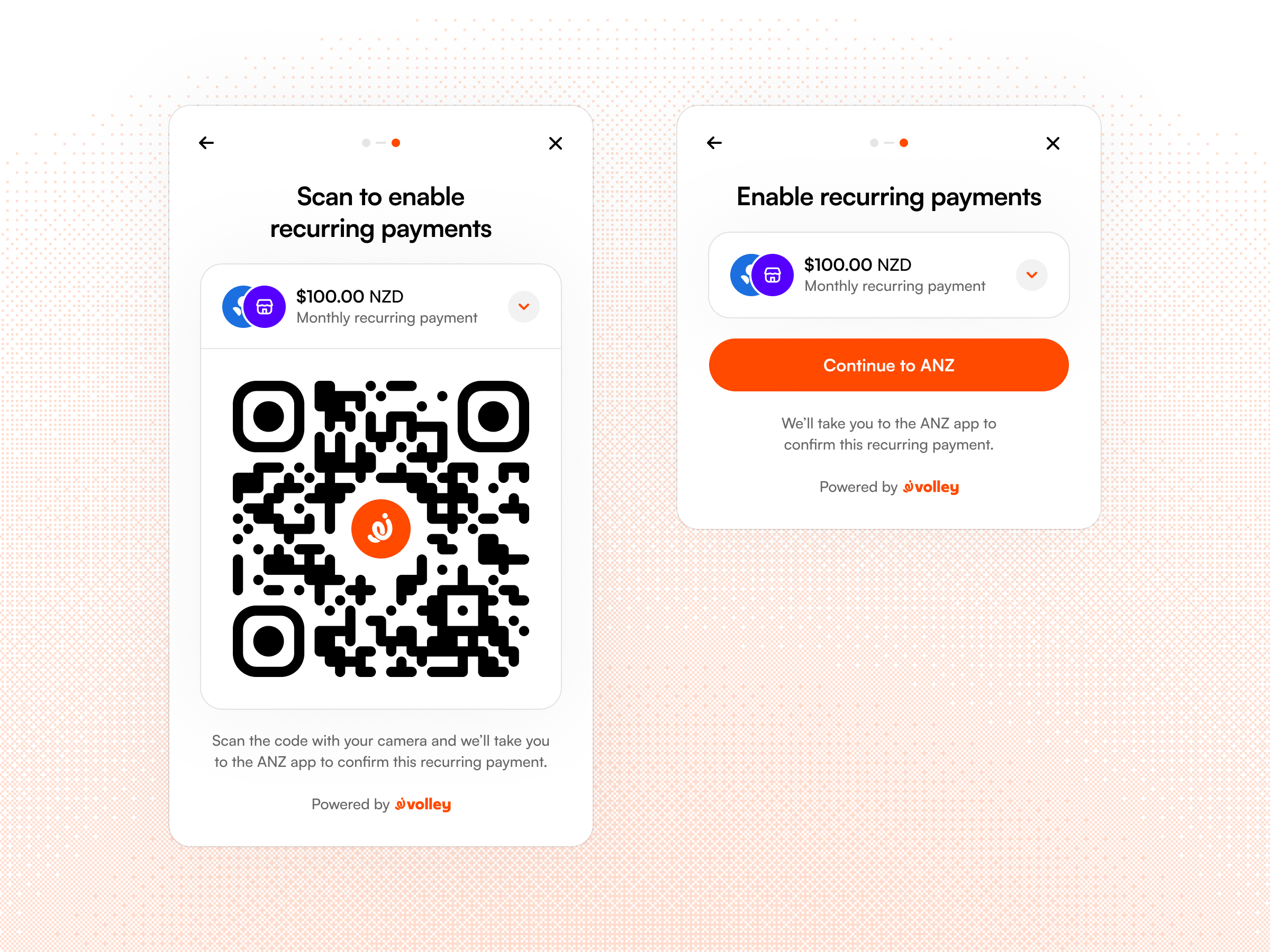
}You can redirect your customer to the returned url to have them authorise it via the hosted page or present the request on your own website with our web embed.
Subscriptions requests are currently only supported for a single customer approval, i.e. "type": "single".
Subscription options
| Field | Required | Description |
|---|---|---|
amount | Required | The fixed amount to charge. |
period | Required | How often charges will be repeated, supports weekly, fortnightly, monthly, quarterly, or annually. |
start_date | Optional | The date and time of the first charge. Defaults to the time of the customer approving ongoing payments in their bank app if not provided. |
end_date | Optional | A date and time after which no further charges will be made. |
total_count | Optional | A cap on the total number of payments in this subscription. You can use this field if the subscription is intended as a fixed term, e.g. "1 year membership". |
If a Subscription has an end date and a cap on the total count of payments, it will end once the first of these conditions becomes true. If neither are provided then the Subscription is open ended until you or your customer decides to cancel.
Customer info
When setting up a Subscription, you may pass customer details to Volley to be recorded against the payment. At minimum a verified email address is required to allow customers to self-manage their Subscription through our customer dashboard at my.volley.nz.
Payment scheduling
Volley will automatically schedule payments to be collected from the start date of a Subscription, repeating at the agreed frequency until any end conditions are met.
If a start_date was provided in the subscription options of the original request, the first payment will be taken at 10am on this date and advance per the period afterwards. When no start_date is provided, the first payment is taken immediately at the time the customer authorises the consent in their banking app and scheduled payments will be made at the same time of day. If a start_date was provided but is in the past, the first payment will be taken immediately after authorisation.
Charges recur on a calendar-aligned schedule based on the subscription's billing period, with the billing anchor (the day or day-of-month the subscription started) preserved for each run.
| Period | Schedule |
|---|---|
| Weekly | Every 7 days on the same weekday |
| Fortnightly | Every 14 days on the same weekday |
| Monthly | Same calendar day each month |
| Quarterly | Same calendar day every 3 months |
| Annually | Same calendar day each year |
If a billing anchor doesn't exist (e.g. 31st of a month without 31 days), the charge is scheduled for the end of the month and then restored to the original anchor for subsequent months. For example: a monthly Subscription starting on Jan 31st will be scheduled as Jan 31st, Feb 28th, March 31st, April 30th, ... and so on.
Retries
When a scheduled payment fails, Volley will retry automatically with the following schedule:
- For weekly and fornightly Subscriptions, payments will be retried daily at days 1-2-3 after the scheduled charge date.
- For monthly, quarterly, and annual Subscriptions, payments will be retried at days 1-3-5 after the scheduled charge date.
If a retry attempt succeeds, the Subscription is advanced to the next charge date based on the original billing anchor. If all retry attempts fail for a scheduled charge it will be skipped and the Subscription will be advanced to the next charge date.
Pause a Subscription
You can pause a Subscription through the API by calling POST /v1/subscriptions/{id}/pause. No other parameters are required aside from the subscription ID.
A paused Subscription can be resumed by calling POST /v1/subscriptions/{id}/resume. A resumed subscription will begin again from the current date, i.e. the first scheduled payment will be counted from the current date + the period interval.
Cancel a Subscription
A subscription can be cancelled in three ways:
- By the customer through their bank, directly in their bank app.
- By the customer through Volley, using the self-service dashboard at my.volley.nz.
- By you, on behalf of the customer, for example, when a customer cancels through your UI or closes their account. Use the cancel endpoint below to cancel via the API.
Cancel via the API
Call PUT /v1/subscriptions/{id}/cancel. No other parameters aside from the subscription ID are required.
Once called, no further payments will be executed against the subscription.
Handle customer cancellation
Customers can manage their Subscriptions at my.volley.nz and can cancel a Subscription there or from their bank app.
There are different failure modes to be aware of based on where a customer revoked their Subscription:
- If cancelled through Volley, you'll receive a
subscription.cancelledwebhook immediately afterwards. - If cancelled through their bank, the next attempt to execute a payment will fail and mark the Subscription as cancelled and send the
subscription.cancelledwebhook.
Webhook events
Subscriptions move through their lifecycle asynchronously, charges are scheduled in the future, retries may run over several days, and customers can cancel or pause outside of your app. To keep track of state, you can subscribe to webhooks so your backend is notified as each event occurs.
Configure your webhook endpoint in the Volley Dashboard, and you will receive a POST request to your endpoint each time a subscription event fires. See the webhooks guide for details on payload structure, signature verification, and retry behaviour.
The following events are sent over the lifecycle of a Subscription:
| Event | When it's sent |
|---|---|
subscription.created | The customer has authorised the Subscription and it is now active. You can use this event to link a subscription to customer records in your system. |
subscription.paused | The Subscription has been paused via the API. No further charges will be scheduled until it is resumed. |
subscription.resumed | A previously paused Subscription has been resumed. Charges will begin again from the current date plus the period interval. |
subscription.charge_failed | A scheduled charge attempt failed. If retry attempts remain, next_attempt_at will indicate when the next retry will run. |
subscription.charge_skipped | A scheduled charge was skipped after all retry attempts were exhausted. The Subscription remains active and will advance to the next scheduled charge. |
subscription.completed | The final scheduled charge for a fixed-term Subscription (i.e. one with an end_date or total_count) has completed successfully. No further charges will occur. |
subscription.cancelled | The Subscription has been cancelled - either by you via the API, by the customer through Volley, or by the customer through their bank. No further charges will occur and you should revoke access to the associated product or service. |
See the Subscription events section of the webhooks guide for example payloads.